AI Translation

Review selected text translation, webpage comparison, PDF handling, terminology workflows, and bilingual reading support in one place.

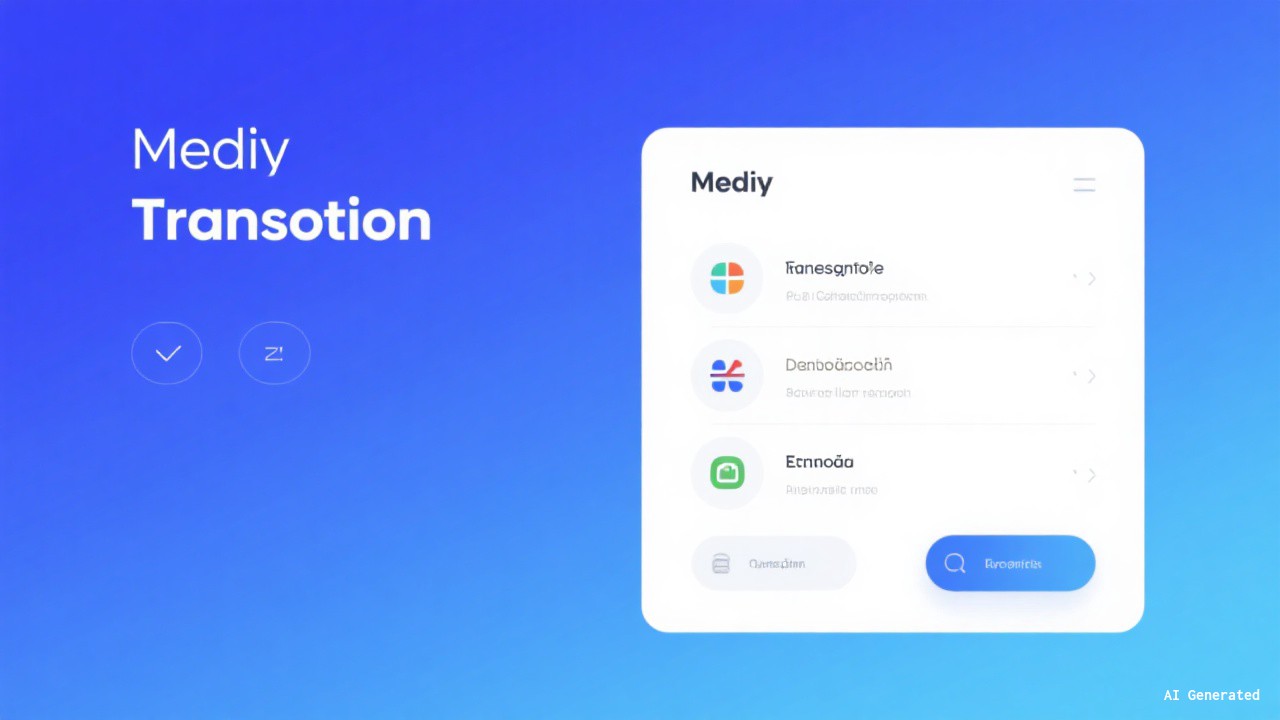
Doubao translation workflow interface preview

Translation for text, webpages, and documents

Doubao translation supports selected text, bilingual webpage reading, PDF-based review, and terminology-aware workflows. It is designed for reading support, document handling, and cross-language work where consistency, structure, and follow-up review matter.

Selected Text: Translate phrases, sentences, and short passages directly in context.
Webpage Comparison: Keep page structure visible while reading source and translation side by side.
PDF Handling: Review longer documents with paragraph-based reading and structured comparison.

Supported languages may vary by version and feature availability:

Chinese English Japanese Korean French German Spanish Russian

Example Bilingual Output

Source

Artificial intelligence is transforming how people work and learn by improving how information is processed, reviewed, and applied.

Translation

人工智能正在改变人们的工作与学习方式,通过提升信息处理、审阅与应用的效率,帮助完成更复杂的任务。

Supported Formats and Workflow Options

  • PDF reading and paragraph-based comparison
  • Webpage headings, paragraphs, and layout preservation
  • Mixed-language terminology recognition
  • Text recognition from image-based content
  • Terminology lists and custom dictionary support
  • Paragraph-level editing and refinement
  • Shortcut-based selection and panel activation
  • Translation style and tone adjustment

FAQ

Mixed-language segments can be processed within the same paragraph or page. For proper nouns, abbreviations, and domain-specific terms, manual review is still recommended.

Long PDF files are often easier to process in sections or page ranges. Files with scans, complex layouts, or image-heavy pages may take longer and may require additional review.

After selecting text in supported environments, shortcuts can be used to open the translation panel. Actual key combinations may vary by platform and settings.

Terminology lists and dictionary-based preferences can help keep recurring terms more consistent across professional, technical, and team-based translation workflows.

Bilingual webpage reading aims to preserve headings, paragraphs, and the main page structure so that source text and translated content remain easier to compare.

Text in common image formats can be recognized and translated. Accuracy may vary depending on clarity, layout complexity, and font style.

Translated content can typically be copied or exported for continued editing, sharing, or archiving. For formal use, a final review is still recommended before distribution.

For privacy, compliance, and data-handling questions, the most reliable reference remains the applicable product policy, terms, and current documentation. Sensitive material should be handled with added caution.

Usage Tips

  • Break longer text into natural sections to make review and terminology alignment easier.
  • Use terminology lists for professional or domain-specific materials where consistency matters.
  • Add context for abbreviations, proper nouns, and fixed expressions when needed.
  • Keep the original structure visible when comparing source and translation side by side.

Shortcut Examples

ActionExample Shortcut
Open Translation PanelCtrl+Shift+T (Customizable)
Copy TranslationCtrl+C
Switch Target LanguageAlt+L
Export TranslationCtrl+E